New in Dashboard: QR Codes for Every Short Link
We just shipped a major quality-of-life upgrade in the Links tab: every short link now has built-in QR support.
You can open a QR code instantly, download it, and (for paid plans) customize it with your own branding.
What’s new
1. Show QR Code from each short link row
Each link now includes a Show QR Code action.
No copy-paste, no extra tool switching.

2. Fast QR viewing with better UX
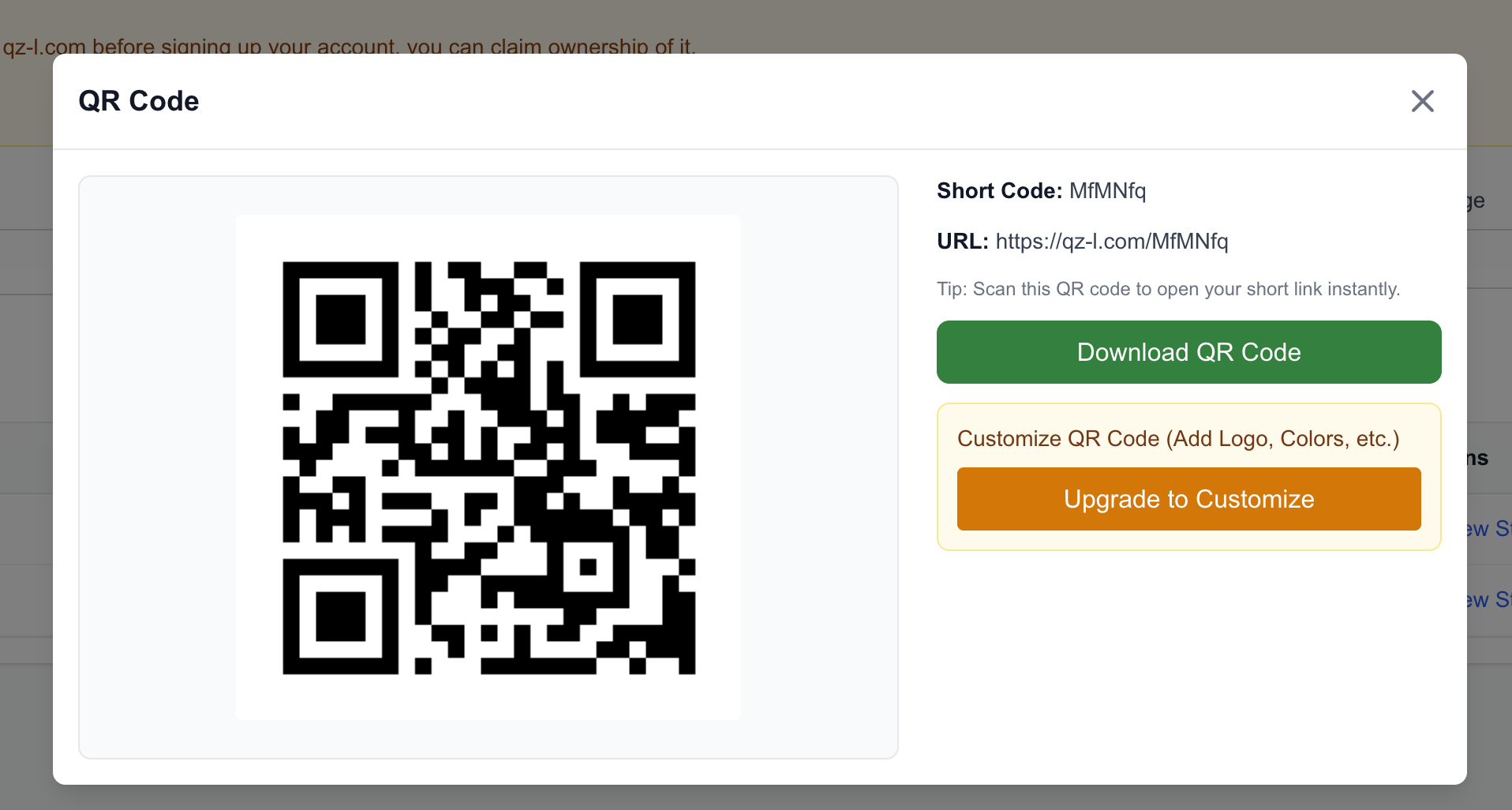
Inside the QR modal, you now get:
- short code context
- full short URL
- loading and error handling
- one-click download
The flow is optimized for both desktop and mobile screens.
3. Paid customization flow in a dedicated modal
For paid users, Customize QR Code opens a focused modal where you can:
- upload an embedded logo/image
- set foreground/background colors
- tune size, margin, and error correction
- preview live before downloading
Free vs paid behavior
We designed this intentionally:
- Free plan: view + download QR codes, plus a clear upgrade CTA for customization.
- Paid plan: full customization controls available immediately.
This keeps core QR usage accessible while reserving advanced branding controls for subscribers.
Why this matters
QR is one of the fastest ways to move users from print/offline surfaces to your content.
By pairing each short link with a built-in QR workflow, campaigns become easier to launch and maintain.
Want branded QR codes?
If you need logos, colors, and richer visual control, upgrade your plan in Dashboard and unlock customization instantly.
Your links already work. Now your QR codes can match your brand too.